Image SEO Guide: How to Optimize Images for Google Search
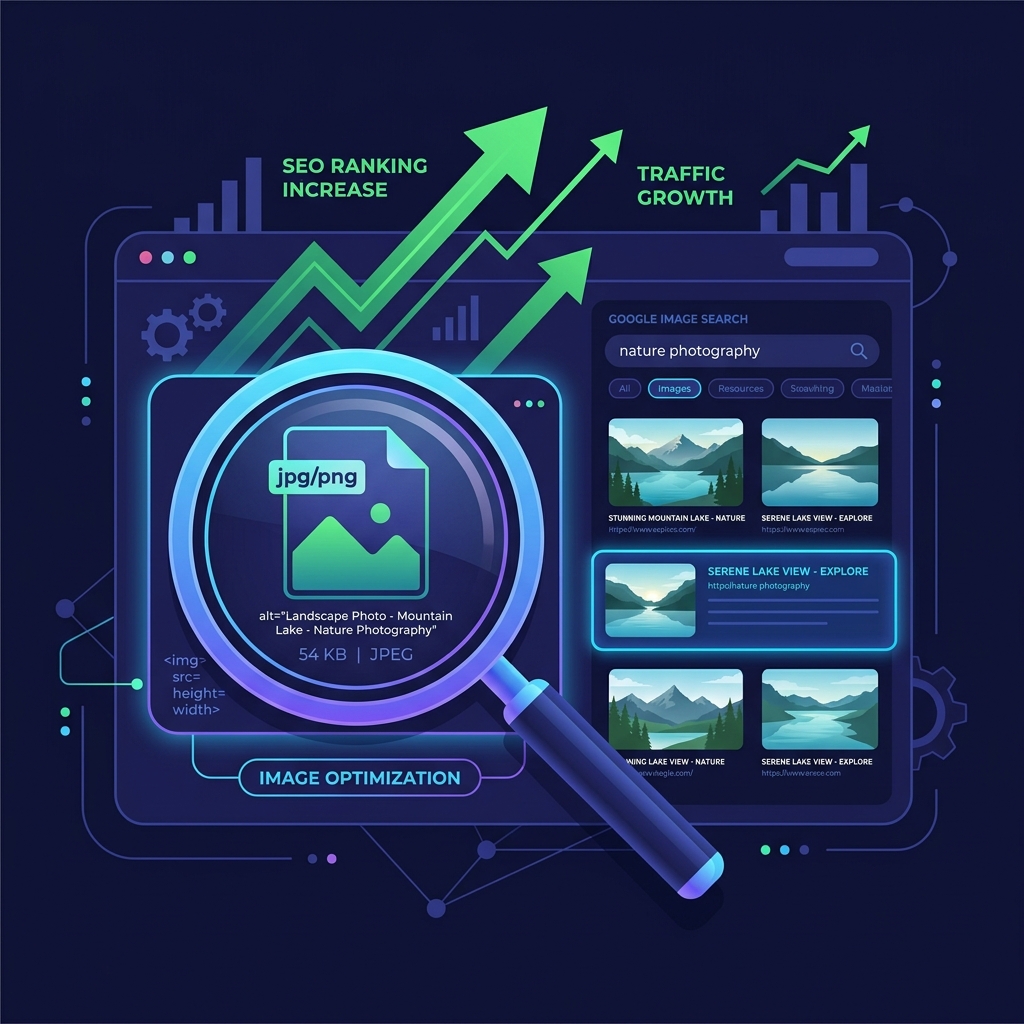
Optimizing images is one of the most overlooked aspects of Search Engine Optimization (SEO). While many webmasters spend hours perfecting written copy and meta tags, they leave their image assets named "IMG_4920.jpg" with empty alt descriptions. This guide outlines actionable strategies to optimize your images for Google Search, boost page speed, and capture high-intent organic traffic from Google Image search results.
1. Write Keyword-Rich, Descriptive Filenames
Google's search bots cannot "see" the contents of an image in the same way humans do. They rely on textual clues. The filename is your very first opportunity to tell Google what the image is about. Avoid generic filenames and construct brief, descriptive, hyphen-separated filenames that explain the subject matter.
/assets/img/DSC40192.png✅ Good Filename:
/assets/img/red-leather-running-shoes.png
2. Perfect Your Image Alt Text Heuristics
Alternative text (alt text) is read by screen readers for accessibility and crawled by search engine spiders to determine image context. A solid alt description should be natural, highly descriptive, and avoid keyword stuffing. Think about how you would describe the image to a visually impaired person over the phone.
- Be Specific: Describe the subject, colors, and layout clearly.
- Keep it short: Try to keep the alt text under 125 characters.
- Avoid repetition: Do not start with "image of..." or "graphic showing...". Google already knows it is an image.
3. Alt Text and File Naming Conventions
Google's search bots rely on descriptive file names and alt attributes to understand image content. Name your files with descriptive, keyword-rich names (such as red-sneakers-product-sideview.jpg) instead of generic camera tags. Keep alt descriptions concise and descriptive to improve search visibility and user accessibility.
Descriptive Alt text is a critical ranking factor and an accessibility requirement. Alt attributes help search engines categorize visual assets while assisting screen-reader tools for visually impaired users. Incorporate natural keywords without stuffing, ensuring that your alt tags accurately describe the image. File names should also be formatted correctly. Use hyphens to separate words instead of underscores, as search engines treat hyphens as spaces.
For e-commerce catalogs, this naming convention is vital. If a product photo is named black-wool-sweater-front.jpg, it provides clear contextual search signals compared to a default name. Linking structured alt metadata with keyword-rich filenames directly boosts visibility in image searches, driving valuable organic traffic.
4. Responsive Image Layouts: HTML5 Srcset Integration
Using responsive images prevents modern mobile devices from downloading heavy desktop assets. The HTML5 srcset attribute allows browsers to select the best image version based on device display resolution, saving bandwidth and improving page speed scores.
By defining multiple image widths inside the srcset list (e.g., 400w, 800w, and 1200w), you let the browser determine which asset size is appropriate for the layout. This prevents mobile phones from loading large images, saving user bandwidth and accelerating load times. Implementing the sizes attribute further helps the browser make correct download decisions based on CSS layouts.
Using the HTML5 picture tag is highly recommended for cross-browser responsive delivery. Within the picture block, you can link optimized WebP/AVIF formats alongside standard JPEG backups. This allows modern devices to retrieve lightweight assets while ensuring older browsers render fallback elements correctly.
5. Core Web Vitals and Page Speed Optimization
Optimizing image files directly boosts Core Web Vitals scores, particularly Largest Contentful Paint (LCP). Compressing files to WebP under 100KB keeps mobile layouts fast. Setting explicit width and height dimensions also prevents browser shifts, keeping Cumulative Layout Shift (CLS) at zero.
A layout shift occurs when an image loads and forces surrounding elements to move. Adding height and width attributes inside the HTML img tags allows the browser to reserve the exact layout space, keeping your CLS score at zero. This improves user experience and search ranking visibility. Additionally, utilizing next-gen formats like WebP or AVIF ensures that visual content is delivered with maximum speed.
6. The Security Architecture of Local Client-Side Processing
Unlike traditional online image utilities that require uploading private assets to cloud servers, TinyImagefy performs all file calculations directly inside the user's browser runtime memory. By utilizing modern web APIs such as the HTML5 Canvas API, the File Reader API, and WebAssembly (WASM) modules, the website parses binary image streams locally. This serverless execution model eliminates transmission overhead, making it impossible for malicious entities or database leaks to compromise your personal documents, photography portfolio, or sensitive ID scans. All operations execute strictly within the local browser sandbox, providing enterprise-grade security for everyday workflows.
7. Compliance and Regulatory Benefits of Serverless Tools
Processing media assets locally aligns perfectly with strict international data protection regulations, including the General Data Protection Regulation (GDPR) in Europe and the California Consumer Privacy Act (CCPA) in the United States. Since no image files, EXIF headers, or metadata profiles are uploaded, stored, or processed on remote server arrays, TinyImagefy acts as a passive container. This means businesses, developers, and photographers can sanitize their visual assets, strip GPS coordinates, or crop passport photos without worrying about data processing agreements or regulatory compliance issues. Keeping your files offline is the ultimate way to maintain data sovereignty in a hyper-connected digital landscape.
Frequently Asked Questions
Yes — 100% free, unlimited, no signup. All tools work forever at no cost.
Never. Everything runs in your browser. Your files never leave your device.
JPG, PNG, WebP, AVIF, HEIC, BMP, GIF, SVG, TIFF, and PDF — across 30+ tools.
Yes — works perfectly on iPhone, Android, tablet, and desktop browsers.
The TinyImagefy team builds privacy-first browser tools for image processing. All tools run 100% locally — no uploads, no servers, no tracking. We've helped millions of users compress, convert, and edit images safely since 2024.
About Us →