How to Compress and Optimize Blog Images for Core Web Vitals
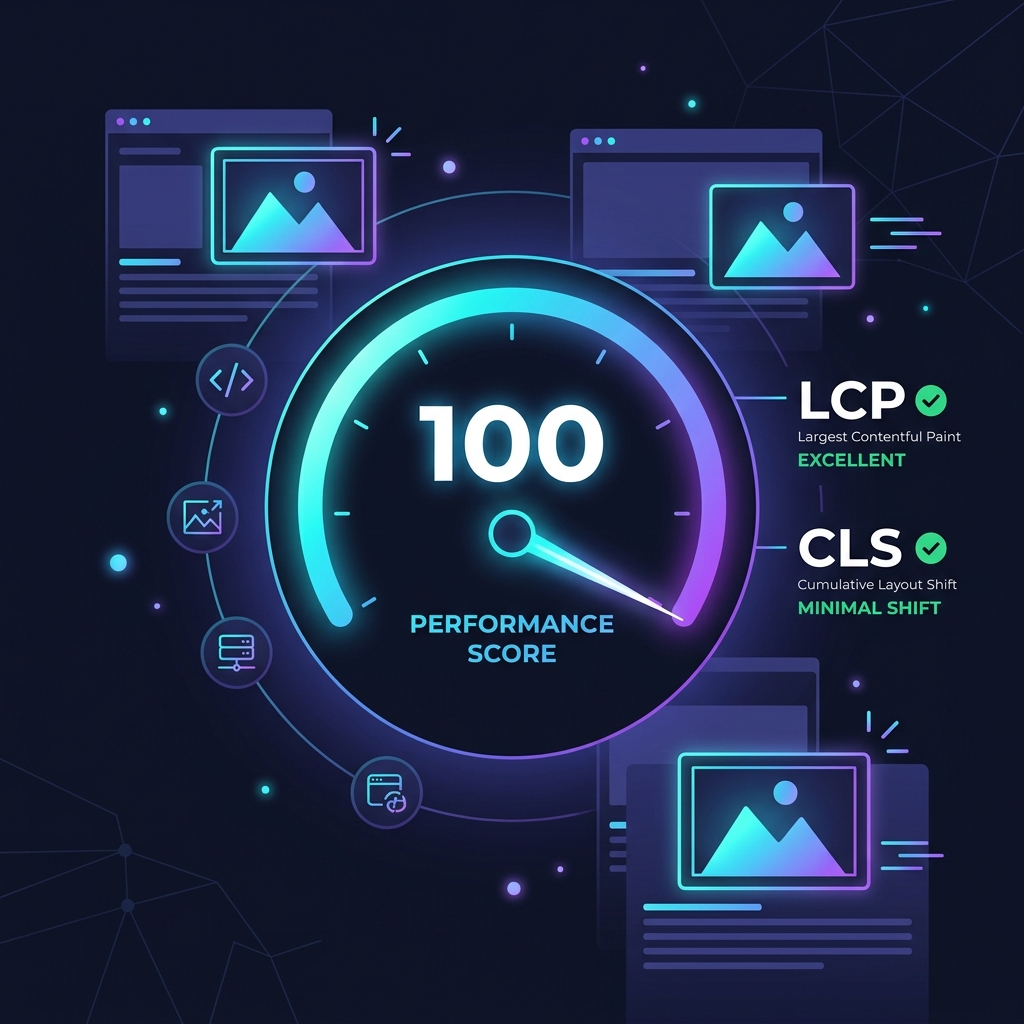
Google's Core Web Vitals are official ranking criteria that measure user experience. Slow-loading articles with massive banner images can severely hurt your search engine rankings. This guide explains how to audit and compress blog images to satisfy the Largest Contentful Paint (LCP) and Cumulative Layout Shift (CLS) requirements.
1. Optimizing Largest Contentful Paint (LCP)
LCP measures how long it takes for the largest visual element (often the blog's featured banner image) to render. If your banner is a bloated 4MB file, it will take several seconds to load. We recommend compressing featured images to **under 100KB** and using WebP or AVIF formats to keep LCP scores under the 2.5-second threshold.
2. Preventing Cumulative Layout Shift (CLS)
Always define width and height attributes on your images to prevent visual shifting. Additionally, implement CSS layout placeholders to reserve space for images as the page loads.
3. Core Web Vitals and Largest Contentful Paint (LCP)
LCP measures how fast the primary layout content renders. Banners and images are the heaviest elements, and uncompressed files delay paint benchmarks. Compressing blog images under 100KB keeps mobile rendering fast and improves page speeds.
Large, unoptimized banners can block browser rendering, delaying visual page completion. By compressing blog media to WebP format, you reduce download times. This optimization improves Core Web Vitals scores, which directly impacts search rankings. For mobile users, this speed improvement is critical. If above-the-fold banners take too long to load, visitors are likely to leave the site. Compressing images and applying lazy loading rules ensures that the primary layouts render quickly, lowering bounce rates.
Optimizing these image paint times also lowers mobile data costs for users on cellular plans. By offering lightweight assets, you provide a faster experience that keeps users engaged, which directly lowers bounce metrics and improves organic page rankings.
4. Pre-scaling Images and Setting Width/Height Dimensions
Pre-scaling images to match exact display dimensions prevents browser layout shifts. Explicitly setting width and height attributes in HTML image tags ensures the browser reserves the correct space, keeping Cumulative Layout Shift (CLS) at zero.
When a visitor lands on a webpage, the browser renders text before loading image assets. If layout dimensions are not defined, the elements shift once the image is retrieved, creating a disruptive experience. Adding dimensions reserves the layout space, keeping CLS at zero. Additionally, pre-scaling images to their exact layout width avoids wasting bandwidth. If an image is displayed at 600px width on desktop layouts, uploading a 3000px photo causes browsers to scale the pixels on the fly.
This pre-scaling step can be completed before upload using browser-based resizers. By cropping and scaling images to target dimensions locally, you bypass server processing queues, preventing layout layout issues and keeping layout shifts at zero.
5. Browser Caching and CDN Optimization
Caching static assets allows return visitors to load pages instantly. Setting long-duration cache control headers tells browsers to store optimized images locally. Using CDNs also routes media files through local servers, improving performance.
Routing static files through content delivery networks reduces latency, especially for international audiences. CDNs distribute copies of your optimized images across worldwide servers, delivering assets from the nearest node. Combining caching and CDNs ensures high page speeds, making site navigation fluid and fast.
6. The Security Architecture of Local Client-Side Processing
Unlike traditional online image utilities that require uploading private assets to cloud servers, TinyImagefy performs all file calculations directly inside the user's browser runtime memory. By utilizing modern web APIs such as the HTML5 Canvas API, the File Reader API, and WebAssembly (WASM) modules, the website parses binary image streams locally. This serverless execution model eliminates transmission overhead, making it impossible for malicious entities or database leaks to compromise your personal documents, photography portfolio, or sensitive ID scans. All operations execute strictly within the local browser sandbox, providing enterprise-grade security for everyday workflows.
7. Compliance and Regulatory Benefits of Serverless Tools
Processing media assets locally aligns perfectly with strict international data protection regulations, including the General Data Protection Regulation (GDPR) in Europe and the California Consumer Privacy Act (CCPA) in the United States. Since no image files, EXIF headers, or metadata profiles are uploaded, stored, or processed on remote server arrays, TinyImagefy acts as a passive container. This means businesses, developers, and photographers can sanitize their visual assets, strip GPS coordinates, or crop passport photos without worrying about data processing agreements or regulatory compliance issues. Keeping your files offline is the ultimate way to maintain data sovereignty in a hyper-connected digital landscape.
Frequently Asked Questions
Yes — 100% free, unlimited, no signup. All tools work forever at no cost.
Never. Everything runs in your browser. Your files never leave your device.
JPG, PNG, WebP, AVIF, HEIC, BMP, GIF, SVG, TIFF, and PDF — across 30+ tools.
Yes — works perfectly on iPhone, Android, tablet, and desktop browsers.
The TinyImagefy team builds privacy-first browser tools for image processing. All tools run 100% locally — no uploads, no servers, no tracking. We've helped millions of users compress, convert, and edit images safely since 2024.
About Us →