How to Securely Add Watermarks to Your Photography Online
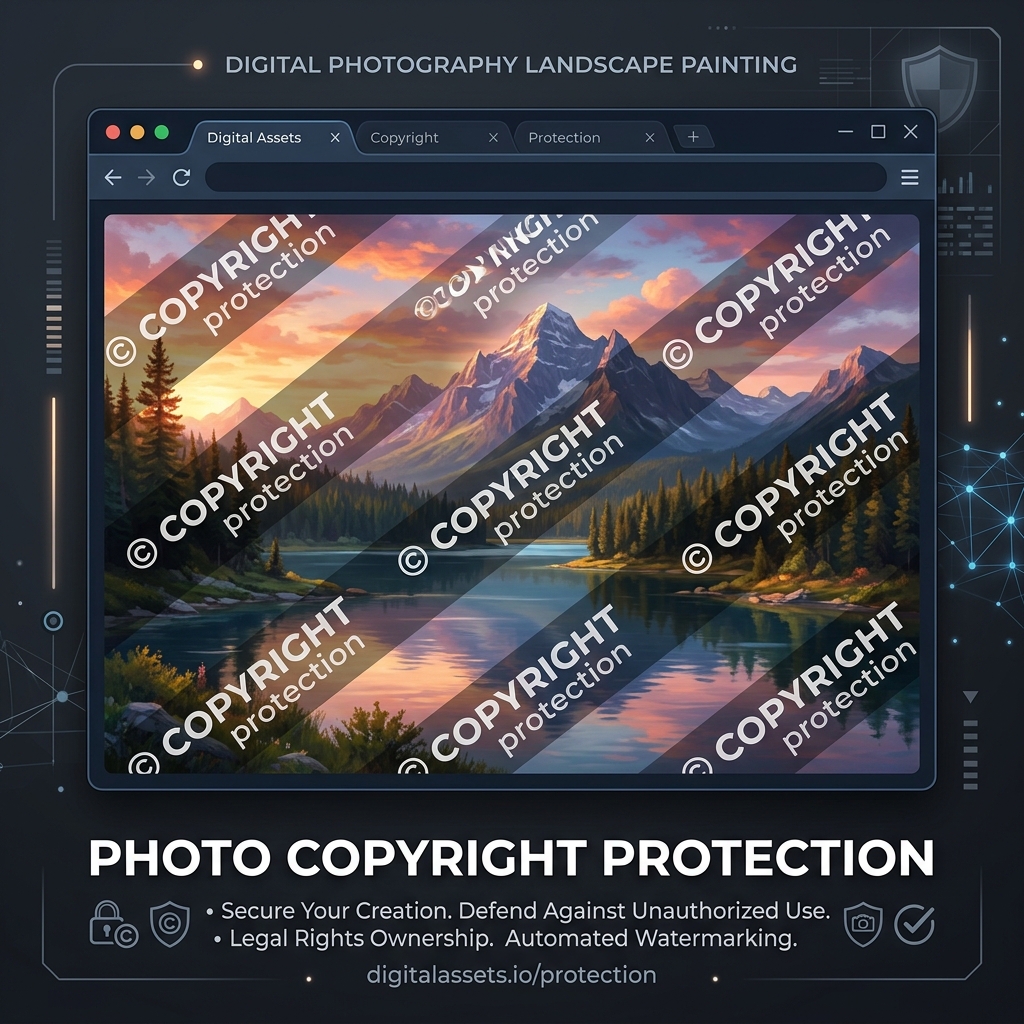
Sharing your photography or digital artwork online exposes it to theft and unauthorized usage. Adding a watermark is a simple way to claim copyright. This guide explains how to securely apply watermarks in your browser without uploading your files to external servers.
👉 Try our watermark tool — free, no upload, works in your browser instantly.
1. Why Watermark Your Images?
A watermark acts as a visual signature, discouraging unauthorized commercial use and helping viewers identify you as the original creator.
2. Adding Watermarks Locally
Using client-side canvas tools, you can overlay text or logo watermarks directly on your computer, keeping your original files private and secure.
3. Visible Watermarks and Copyright Protection
Adding visible watermarks protects digital artwork from copyright theft. Placing a rotated semi-transparent text string or logo across the center of your designs makes it difficult for third parties to crop out your copyright. All processing runs locally in browser memory, protecting your files.
When watermarks are placed in corners, they are easily cropped out with basic editing software. Placing the watermark over detailed, central subject areas makes removal difficult. This provides protection for illustrations and photographs shared on portfolios. Additionally, watermark styling should adapt to the artwork details. For light-colored designs, a dark semi-transparent logo is highly visible; for dark designs, a white text string works best. Choosing the right style ensures protection without distracting viewers. Watermarks also act as branding cards, helping clients identify your work when shared across channels.
For digital art portfolios, embedding watermarks within detail layers is highly recommended. By positioning watermark elements overlapping texture boundaries, you make automatic removal via AI inpainting utilities extremely difficult, preserving copyright flags on public portfolios.
4. Choosing the Best Watermark Placement Styles
For branding, choose subtle corner positions like bottom-right. For copyright protection, use a repeating tiled pattern across the canvas. This makes removing watermarks difficult while maintaining image visibility.
A tiled pattern overlays small, repeating text symbols across the entire image. This protects visual details while preventing cropping. Adjust the opacity to a very low level (such as 10% or 15%) to protect the artwork without distracting the viewer. Using a dynamic editor, you can adjust placement parameters to match your artwork structure. Corner watermarks are ideal for professional print previews, while repeating patterns are highly recommended for web sharing, preventing simple screenshots from being stolen.
Adjusting repeating angles also improves protection. A diagonal rotation (such as -45 degrees) spans across detail paths, making color-based removal tools ineffective. Tiled pattern grids provide reliable protection for visual designs shared on social grids.
5. Client-Side Watermarking Privacy
Our editor overlays watermarks locally inside your browser memory context using canvas APIs. Your high-resolution files and creative designs are never uploaded to cloud servers, ensuring data privacy.
Processing files client-side ensures complete confidentiality for unpublished designs or contract agreements. No data is sent to external databases, protecting your property throughout the editing process and keeping files secure. This serverless approach eliminates data breach vulnerabilities, giving designers full security control.
6. The Security Architecture of Local Client-Side Processing
Unlike traditional online image utilities that require uploading private assets to cloud servers, TinyImagefy performs all file calculations directly inside the user's browser runtime memory. By utilizing modern web APIs such as the HTML5 Canvas API, the File Reader API, and WebAssembly (WASM) modules, the website parses binary image streams locally. This serverless execution model eliminates transmission overhead, making it impossible for malicious entities or database leaks to compromise your personal documents, photography portfolio, or sensitive ID scans. All operations execute strictly within the local browser sandbox, providing enterprise-grade security for everyday workflows.
7. Compliance and Regulatory Benefits of Serverless Tools
Processing media assets locally aligns perfectly with strict international data protection regulations, including the General Data Protection Regulation (GDPR) in Europe and the California Consumer Privacy Act (CCPA) in the United States. Since no image files, EXIF headers, or metadata profiles are uploaded, stored, or processed on remote server arrays, TinyImagefy acts as a passive container. This means businesses, developers, and photographers can sanitize their visual assets, strip GPS coordinates, or crop passport photos without worrying about data processing agreements or regulatory compliance issues. Keeping your files offline is the ultimate way to maintain data sovereignty in a hyper-connected digital landscape.
Frequently Asked Questions
Yes — 100% free, unlimited, no signup. All tools work forever at no cost.
Never. Everything runs in your browser. Your files never leave your device.
JPG, PNG, WebP, AVIF, HEIC, BMP, GIF, SVG, TIFF, and PDF — across 30+ tools.
Yes — works perfectly on iPhone, Android, tablet, and desktop browsers.
The TinyImagefy team builds privacy-first browser tools for image processing. All tools run 100% locally — no uploads, no servers, no tracking. We've helped millions of users compress, convert, and edit images safely since 2024.
About Us →