Lossy vs. Lossless Compression: How to Keep Your Images Sharp
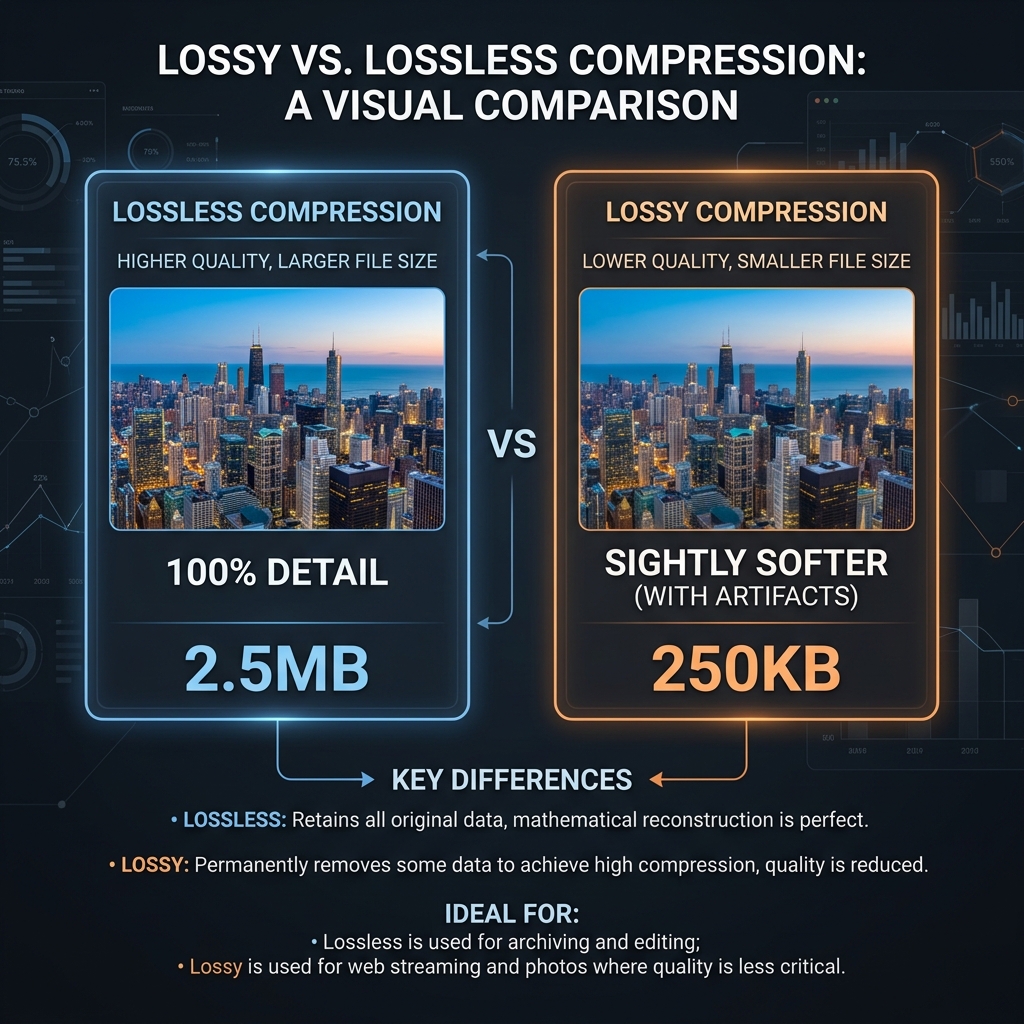
Image compression is essential for website speed, but choosing the wrong compression method can ruin your image quality. This guide explains the differences between lossy and lossless compression so you can make the right choice for your assets.
👉 Try our free image compressor — free, no upload, works in your browser instantly.
1. Lossy Compression (Photographic Optimization)
Lossy compression permanently discards less critical image data to achieve massive file size reductions. While this can introduce compression artifacts, it is ideal for photography where files can be reduced by up to 80% without noticeable quality loss.
2. Lossless Compression (Perfect Fidelity)
Lossless compression reduces file size without discarding any pixel data, allowing the image to be restored to its exact original state. It is best suited for text, line art, and logos where blurriness is unacceptable.
3. Bitmaps and Canvas Color Quantization
Quantization reduces color depth in lossy compression pipelines, mapping pixels to similar values. Canvas codecs group shades together, reducing unique colors from millions to 256, which shrinks files by up to 70% while keeping visual details sharp.
This color quantization reduces file sizes by minimizing the complexity of the color tables. For digital layouts, this process produces smaller assets with negligible visual differences. Balancing quantization levels keeps layouts looking professional. Additionally, client-side compressors allow developers to check these changes in real-time. By comparing quality settings side-by-side, users can ensure that pixel reduction does not degrade visual content. Color depth adjustments are particularly useful for cartoon illustrations or screen mockups, which feature flat colors.
Additionally, using canvas quantization methods strips out unnecessary color channels from the file structure. By indexing pixels and converting images to 8-bit color arrays locally, you minimize loading times, optimize visual payloads, and prevent unnecessary server uploads, maintaining complete data security.
4. Choosing the Best Compression Level for Web Media
Find the right balance between quality and file size. High-detail photos look best at 80% to 90% quality, while background banners can be optimized at 70% quality. Side-by-side previews help spot layout shifts before downloading.
Selecting quality settings depends on the role of the image. Visual portfolios require high quality to preserve fine lines, while placeholder banners can handle aggressive compression. Visual checking prevents artifacts from degrading your design, assuring top fidelity and balanced payloads.
By testing quality sliders locally, developers can identify threshold boundaries. A minor reduction in quality (such as from 90% to 80%) can shrink file weight by half without introducing visible artifacts, ensuring professional presentations at lightweight sizes.
5. Impact on Largest Contentful Paint (LCP)
Compressing images directly improves Core Web Vitals, particularly LCP. Optimizing images under 100KB speeds up page loading. Pre-scaling files to exact display dimensions also keeps Cumulative Layout Shift (CLS) at zero.
LCP measures how fast the main visual content of a webpage loads. Unoptimized assets delay LCP paint benchmarks, which can negatively impact search rankings. Compressing images and defining dimensions keeps layout loading fast and stable, boosting Core Web Vitals profiles.
Optimizing image files directly translates to higher search index visibility. Fast page loads lower user friction and bounce rates, driving organic clicks. Combining image scaling with efficient compression methods is a fundamental step for modern web speed.
6. The Security Architecture of Local Client-Side Processing
Unlike traditional online image utilities that require uploading private assets to cloud servers, TinyImagefy performs all file calculations directly inside the user's browser runtime memory. By utilizing modern web APIs such as the HTML5 Canvas API, the File Reader API, and WebAssembly (WASM) modules, the website parses binary image streams locally. This serverless execution model eliminates transmission overhead, making it impossible for malicious entities or database leaks to compromise your personal documents, photography portfolio, or sensitive ID scans. All operations execute strictly within the local browser sandbox, providing enterprise-grade security for everyday workflows.
7. Compliance and Regulatory Benefits of Serverless Tools
Processing media assets locally aligns perfectly with strict international data protection regulations, including the General Data Protection Regulation (GDPR) in Europe and the California Consumer Privacy Act (CCPA) in the United States. Since no image files, EXIF headers, or metadata profiles are uploaded, stored, or processed on remote server arrays, TinyImagefy acts as a passive container. This means businesses, developers, and photographers can sanitize their visual assets, strip GPS coordinates, or crop passport photos without worrying about data processing agreements or regulatory compliance issues. Keeping your files offline is the ultimate way to maintain data sovereignty in a hyper-connected digital landscape.
Frequently Asked Questions
Yes — 100% free, unlimited, no signup. All tools work forever at no cost.
Never. Everything runs in your browser. Your files never leave your device.
JPG, PNG, WebP, AVIF, HEIC, BMP, GIF, SVG, TIFF, and PDF — across 30+ tools.
Yes — works perfectly on iPhone, Android, tablet, and desktop browsers.
The TinyImagefy team builds privacy-first browser tools for image processing. All tools run 100% locally — no uploads, no servers, no tracking. We've helped millions of users compress, convert, and edit images safely since 2024.
About Us →