How to Create and Optimize Transparent Background Images for Web
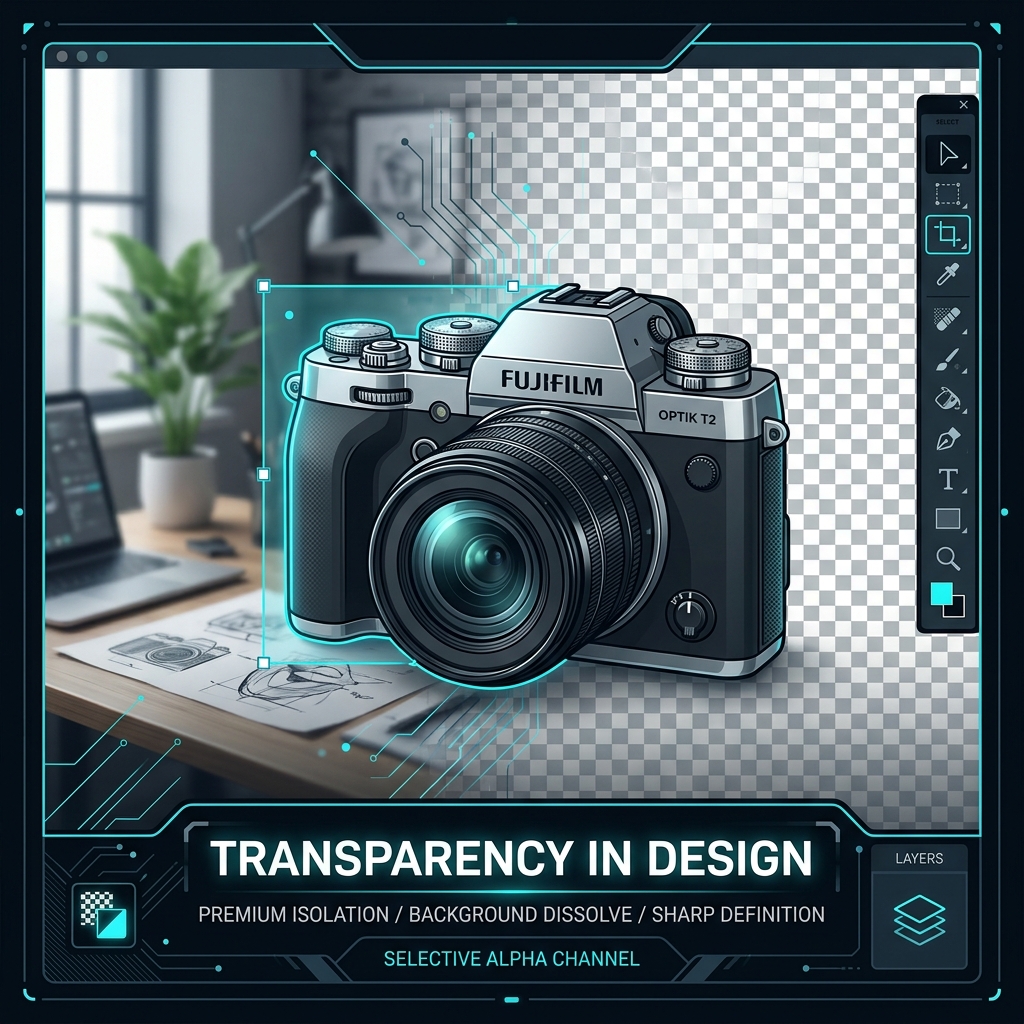
Transparent background images are essential for modern web design, allowing you to overlay products, illustrations, and logos on colored backdrops. However, transparent files (especially PNGs) are often massive. This guide explains how to remove backgrounds and optimize transparent files for the web.
👉 Try our background remover — free, no upload, works in your browser instantly.
1. Compression Challenges with Alpha Channels
Standard JPEG compression does not support transparency. PNG supports transparency but lacks efficient lossy compression, leading to large file sizes. Modern formats like WebP solve this by supporting both lossy compression and alpha channel transparency.
2. Creating Transparencies in Your Browser
You can isolate objects and remove backgrounds instantly in your browser using local canvas tools, avoiding slow uploads and maintaining privacy.
3. Alpha Channels and Image Transparency Formats
To display transparency, an image format must support alpha channels. The alpha channel defines pixel opacity (0 for transparent, 255 for solid), allowing backgrounds to disappear. PNG and WebP support transparency, while JPEG does not. Converting transparent PNGs to JPEG turns transparent areas black. Our tool prevents this by letting you choose a white or custom color fill.
The alpha channel is stored alongside the standard red, green, and blue color channels in the file data. When a web browser renders a transparent file, it composites the image over background layers. This is essential for web graphics like logos or buttons that must blend with various themes. Selecting WebP or PNG format is crucial for preserving transparency in digital designs. When developing transparent layouts, designers often face issues with edge halos. Converting transparent images without proper thresholding leaves thin white fringes. Our editor lets you fine-tune target alpha thresholds directly inside the canvas renderer, removing halos and producing clean transparency cuts.
In addition, next-generation formats like WebP support both lossy and lossless transparency compression. If file weight is a priority, selecting WebP with lossy compression can reduce transparent file weights by 60% compared to traditional transparent PNGs, without compromising edge sharpness, which is a massive performance benefit for mobile layout layouts.
4. Isolating Subjects Locally Using Neural Networks
Isolating complex subjects like hair or transparent glass requires advanced segmentation models. Our background remover uses ONNX runtime WebAssembly to run neural networks locally in your browser. The model classifies pixels and generates transparent cutouts in real-time, protecting your privacy.
The segmentation model analyzes contrast and shape boundaries to generate an accurate alpha mask. Running this model client-side ensures that your photos are processed quickly without being sent to external databases. This is a secure and efficient way to create transparent cutouts for e-commerce or creative projects, avoiding server queue latency.
Advanced models process images in chunks to manage memory footprint, running locally on your hardware. The browser downloads the model files once, storing them in the cache. Subsequent conversions happen instantly without needing network connections, guaranteeing that sensitive images remain offline throughout the editing loop.
5. Designing Transparent Graphics for Web Layouts
Transparent graphics are essential for overlapping elements in modern web designs. Use compressed transparent WebP cutouts for e-commerce store listings or hero graphics. This reduces file size while maintaining clean transparency, improving page speed and design flexibility.
Optimizing transparent images is a best practice for front-end developers. Large transparent PNGs can bloat webpages, delaying load times. By converting files to compressed WebP, you retain transparency while shrinking file sizes by up to 70%. This improves Core Web Vitals, accelerates loading speeds, and ensures a smooth visitor experience.
6. The Security Architecture of Local Client-Side Processing
Unlike traditional online image utilities that require uploading private assets to cloud servers, TinyImagefy performs all file calculations directly inside the user's browser runtime memory. By utilizing modern web APIs such as the HTML5 Canvas API, the File Reader API, and WebAssembly (WASM) modules, the website parses binary image streams locally. This serverless execution model eliminates transmission overhead, making it impossible for malicious entities or database leaks to compromise your personal documents, photography portfolio, or sensitive ID scans. All operations execute strictly within the local browser sandbox, providing enterprise-grade security for everyday workflows.
7. Compliance and Regulatory Benefits of Serverless Tools
Processing media assets locally aligns perfectly with strict international data protection regulations, including the General Data Protection Regulation (GDPR) in Europe and the California Consumer Privacy Act (CCPA) in the United States. Since no image files, EXIF headers, or metadata profiles are uploaded, stored, or processed on remote server arrays, TinyImagefy acts as a passive container. This means businesses, developers, and photographers can sanitize their visual assets, strip GPS coordinates, or crop passport photos without worrying about data processing agreements or regulatory compliance issues. Keeping your files offline is the ultimate way to maintain data sovereignty in a hyper-connected digital landscape.
Frequently Asked Questions
Yes — 100% free, unlimited, no signup. All tools work forever at no cost.
Never. Everything runs in your browser. Your files never leave your device.
JPG, PNG, WebP, AVIF, HEIC, BMP, GIF, SVG, TIFF, and PDF — across 30+ tools.
Yes — works perfectly on iPhone, Android, tablet, and desktop browsers.
The TinyImagefy team builds privacy-first browser tools for image processing. All tools run 100% locally — no uploads, no servers, no tracking. We've helped millions of users compress, convert, and edit images safely since 2024.
About Us →