How to Protect Image Privacy: Remove EXIF Metadata & Watermarks
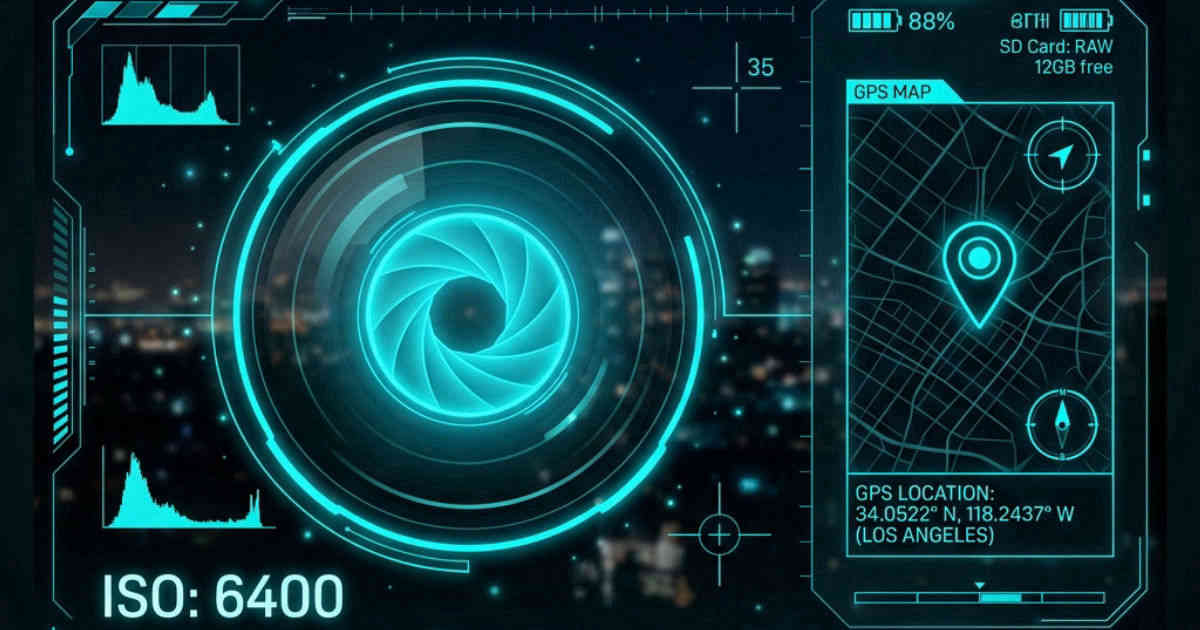
Every photo taken by a smartphone holds hidden metadata, exposing the exact GPS location, camera settings, and software tags. When uploaded to the web, this data poses severe security issues. In this tutorial, we explain how to inspect and clear metadata, apply brand watermarks, and blur out sensitive text overlays.
👉 Try our watermark tool — free, no upload, works in your browser instantly.
1. Understanding EXIF Metadata (Exchangeable Image File Format)
EXIF is the standard wrapper used by cameras and mobile phones to store technical tags. While useful for professional cataloging, EXIF tags hold information you may not want to share:
- GPS Coordinates: Pinpoints the exact location where the photo was taken (e.g. your home address).
- Camera & Lens Settings: Camera model, aperture, focal length, exposure, and editing history.
- Metadata stripping: Deleting these headers before publishing protects your location privacy and drops the image file weight by up to **10%**.
2. Adding and Removing Watermarks
To protect your online graphic designs from unauthorized reuse, you can overlay a brand watermark. Adding text or logo overlays is processed in the browser canvas space. For images that already have date stamps, copyright text, or watermarks, our canvas brush tools let you paint over the unwanted overlays locally, restoring the underlying pixels seamlessly.
3. Security Risks: Camera Parameters and GPS Location Tags
When you take a photo, your device embeds metadata (EXIF tags) containing camera settings, lens details, timestamps, and GPS coordinates. Sharing these photos online exposes your private location. Stripping EXIF tags before uploading photos online is critical to protecting your digital privacy.
This hidden information can be extracted by anyone using simple online utilities or photo viewers. In addition to GPS coordinates, EXIF data includes details like camera brand, model, and serial numbers. Stripping this data protects your personal safety and prevents third parties from tracking your locations. Exposing your photography's technical details can also lead to intellectual property exploitation. Competitors can analyze your aperture and settings to replicate setups.
4. How to Inspect and Strip EXIF Metadata Locally
Our local EXIF viewer parses image headers client-side, displaying GPS coordinates and camera configurations. By drawing image pixels onto a canvas and exporting a new file, the tool automatically strips metadata, creating a clean version of the photo for secure sharing.
The canvas export process reads the raw pixel coordinates and writes them into a clean file buffer. Because the canvas context does not transfer EXIF headers during compilation, the resulting output is stripped of all camera metadata. This ensures that your files are sanitized before sharing, keeping your location details and device fingerprints confidential.
5. Securing Artwork with Copyright Watermarks
In addition to removing meta tags, adding visible watermarks protect artwork from theft. Our local editor allows you to overlay custom logos or text on canvas, adjusting opacity and rotation to verify authorship. All operations run offline in browser memory, keeping your designs private.
Adding a semi-transparent watermark makes it difficult for others to claim your designs. By adjusting the watermark opacity, you protect your copyright without obscuring the artwork details. This local sanitization is a fast and secure way to prepare your files for portfolios or social platforms, maintaining design integrity.
6. The Security Architecture of Local Client-Side Processing
Unlike traditional online image utilities that require uploading private assets to cloud servers, TinyImagefy performs all file calculations directly inside the user's browser runtime memory. By utilizing modern web APIs such as the HTML5 Canvas API, the File Reader API, and WebAssembly (WASM) modules, the website parses binary image streams locally. This serverless execution model eliminates transmission overhead, making it impossible for malicious entities or database leaks to compromise your personal documents, photography portfolio, or sensitive ID scans. All operations execute strictly within the local browser sandbox, providing enterprise-grade security for everyday workflows.
7. Compliance and Regulatory Benefits of Serverless Tools
Processing media assets locally aligns perfectly with strict international data protection regulations, including the General Data Protection Regulation (GDPR) in Europe and the California Consumer Privacy Act (CCPA) in the United States. Since no image files, EXIF headers, or metadata profiles are uploaded, stored, or processed on remote server arrays, TinyImagefy acts as a passive container. This means businesses, developers, and photographers can sanitize their visual assets, strip GPS coordinates, or crop passport photos without worrying about data processing agreements or regulatory compliance issues. Keeping your files offline is the ultimate way to maintain data sovereignty in a hyper-connected digital landscape.
3. Censoring and Blurring Sensitive Information
When sharing documents like ID cards, banking checks, or personal screenshots, blurring out sensitive details (social security numbers, account numbers, names) is vital. Our blur utility executes high-performance Gaussian blur filters over custom bounding grids locally in your browser memory, keeping your documents safe before sharing.
4. Quick Step-by-Step Privacy Workflow
- Upload your image to the [EXIF Metadata Viewer](../../image-metadata/index.html) to check for hidden tags.
- Use the [Blur Tool](../../blur-image/index.html) to redact text.
- Add a logo or copyright layer via [Add Watermark](../../add-watermark/index.html).
- Download the sanitized, privacy-friendly graphic to your device.
Frequently Asked Questions
Yes — 100% free, unlimited, no signup. All tools work forever at no cost.
Never. Everything runs in your browser. Your files never leave your device.
JPG, PNG, WebP, AVIF, HEIC, BMP, GIF, SVG, TIFF, and PDF — across 30+ tools.
Yes — works perfectly on iPhone, Android, tablet, and desktop browsers.
The TinyImagefy team builds privacy-first browser tools for image processing. All tools run 100% locally — no uploads, no servers, no tracking. We've helped millions of users compress, convert, and edit images safely since 2024.
About Us →